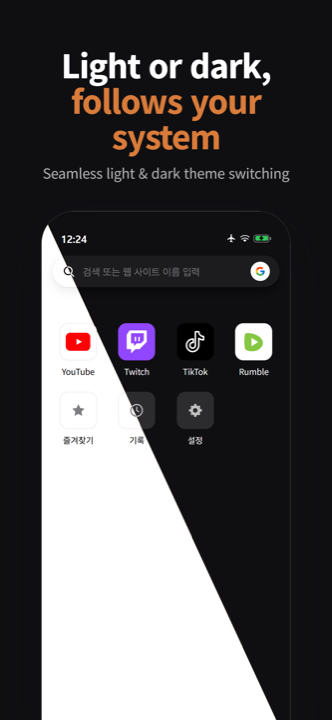
Minimal site home
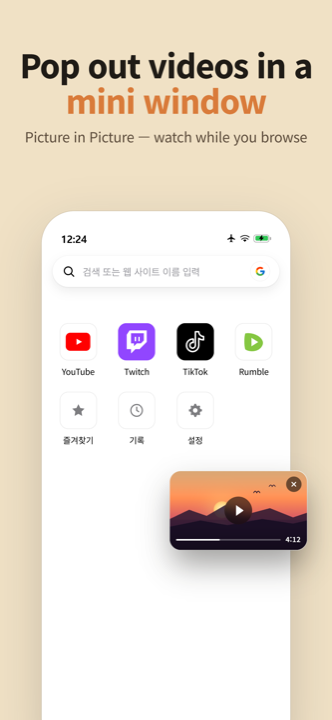
Pin your most-visited sites to a clean tile grid. Tap once, you're there — no bookmarks folder to dig through.
A minimal launcher that keeps the websites and videos you visit most in one clean, focused place. With mini player, background play, and a thoughtful, distraction-free design.
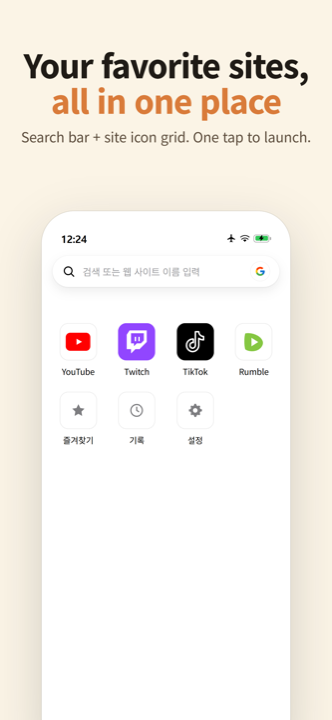
Less clutter. Fewer taps. Just the sites and videos you come back to.
Pin your most-visited sites to a clean tile grid. Tap once, you're there — no bookmarks folder to dig through.
Keep watching while you scroll. Videos slide into a floating mini player so you never lose your place.
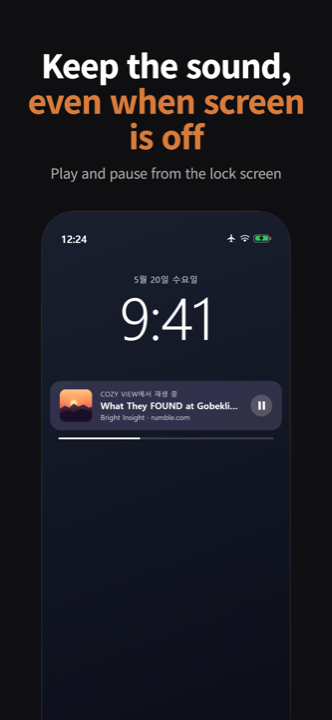
Lock the screen, switch apps — your audio keeps going. Perfect for music, podcasts, and long videos.
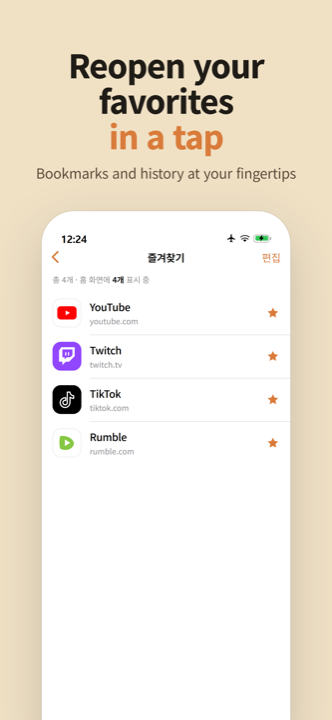
Star a page to save it. Browse what you've visited. Swipe to remove entries one by one, or clear everything at once.
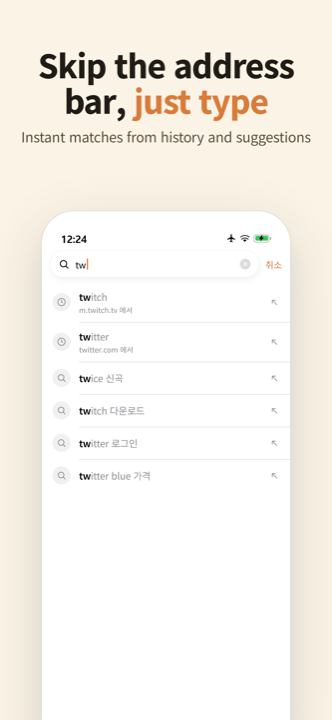
Autocomplete suggestions pulled from your history and common terms. Find what you need in fewer keystrokes.
Follows your device's system theme and language automatically. Comfortable to use from morning coffee to midnight scroll.
A look at the six core screens you'll use most.